Accounts
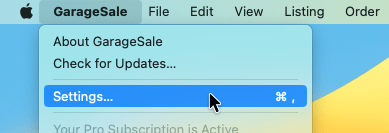
The GarageSale Settings can be accessed via the “GarageSale” menu:
The Accounts section enables you to manage multiple eBay accounts.
- To add an account, simply click the + icon in the bottom left corner. This will open an eBay website where you need to sign-in in order to give GarageSale access. These steps are shown here: Adding eBay accounts.
- To remove an account, select your account on the left, then click the minus icon (-).
- You can also enable/disable an account without removing it, show/hide your eBay messages and tell GarageSale to sort your ebay store categories alphabetically.
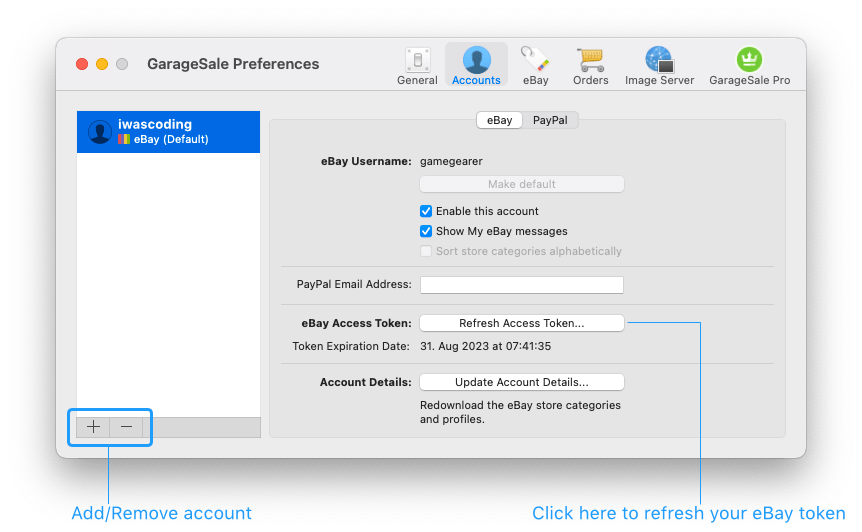
Refreshing your eBay access token: You need to refresh your eBay access token from time to time. To do this, just click on “Refresh Access Token…”. eBay tokens expire automatically after two years.
Account Details: Here you can download your latest eBay store categories and business policy profiles (for shipping, payment, returns).
If you are running an eBay store, click “Update Account Details…” to download your latest store categories. You then can select a store category in your listing.
Good to Know:
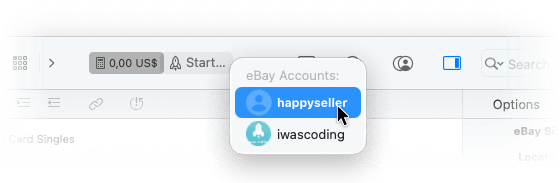
- If you have added multiple eBay accounts, you can choose which eBay account to use when starting a listing:
| << General | eBay >> |