Preview Mode
Preview mode gives you an idea what your listing will look like when posted to eBay.
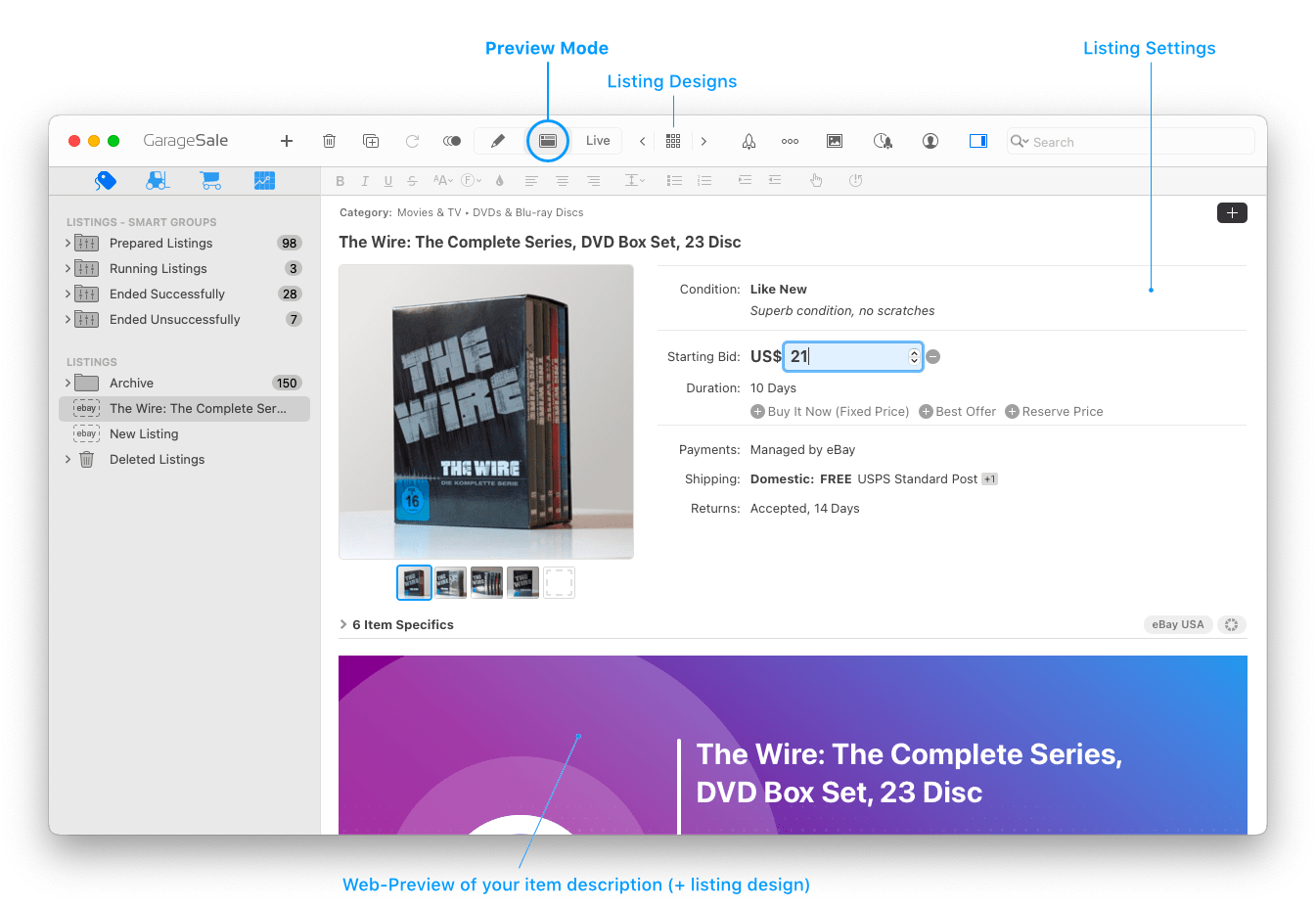
You can not only use Preview mode to verify your item description, listing design and images before starting your listing, you can also directly edit your listing’s title, description, images and most listing settings here.
Text Formatting Toolbar
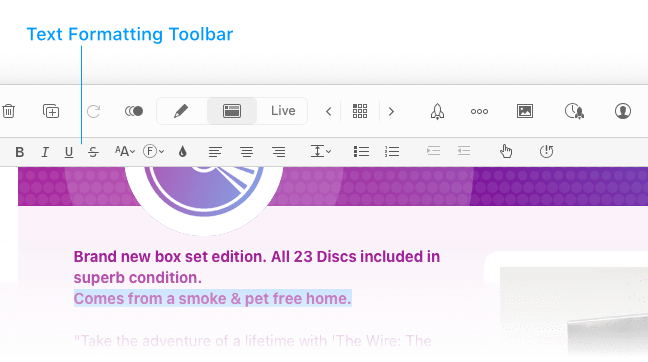
You can alter your description by editing its content, but you can also change your text’s size, font, or font style via the text formatting toolbar or the system’s standard font panel (choose “Show Fonts” from the “Format” menu”).
Adding Images
To add images to your listing in Preview mode, drag them from GarageSale’s Photo Browser or from the Finder onto a “Drop Zone” or another image.
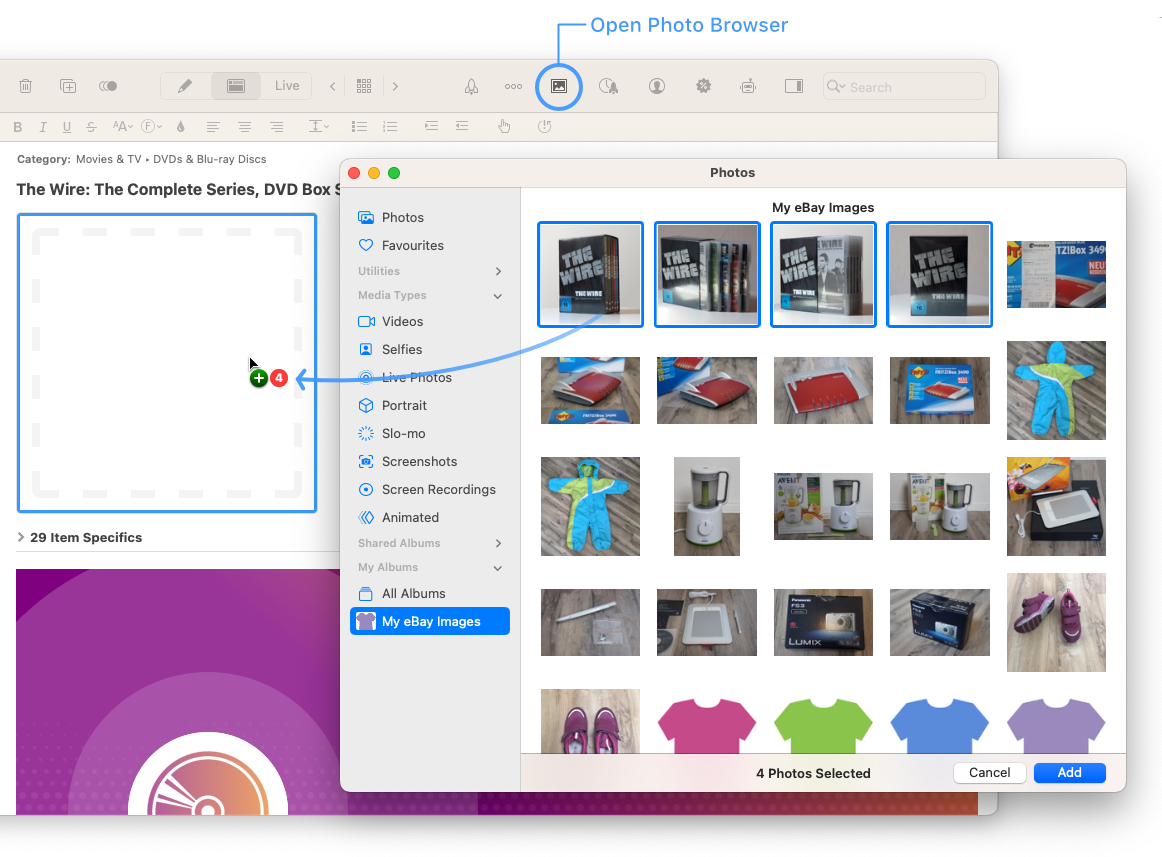
Please see the chapter Editing Images for all details.
| << Editor Mode | Live Mode >> |