Preview Mode Features
Here is an overview of the most important features:
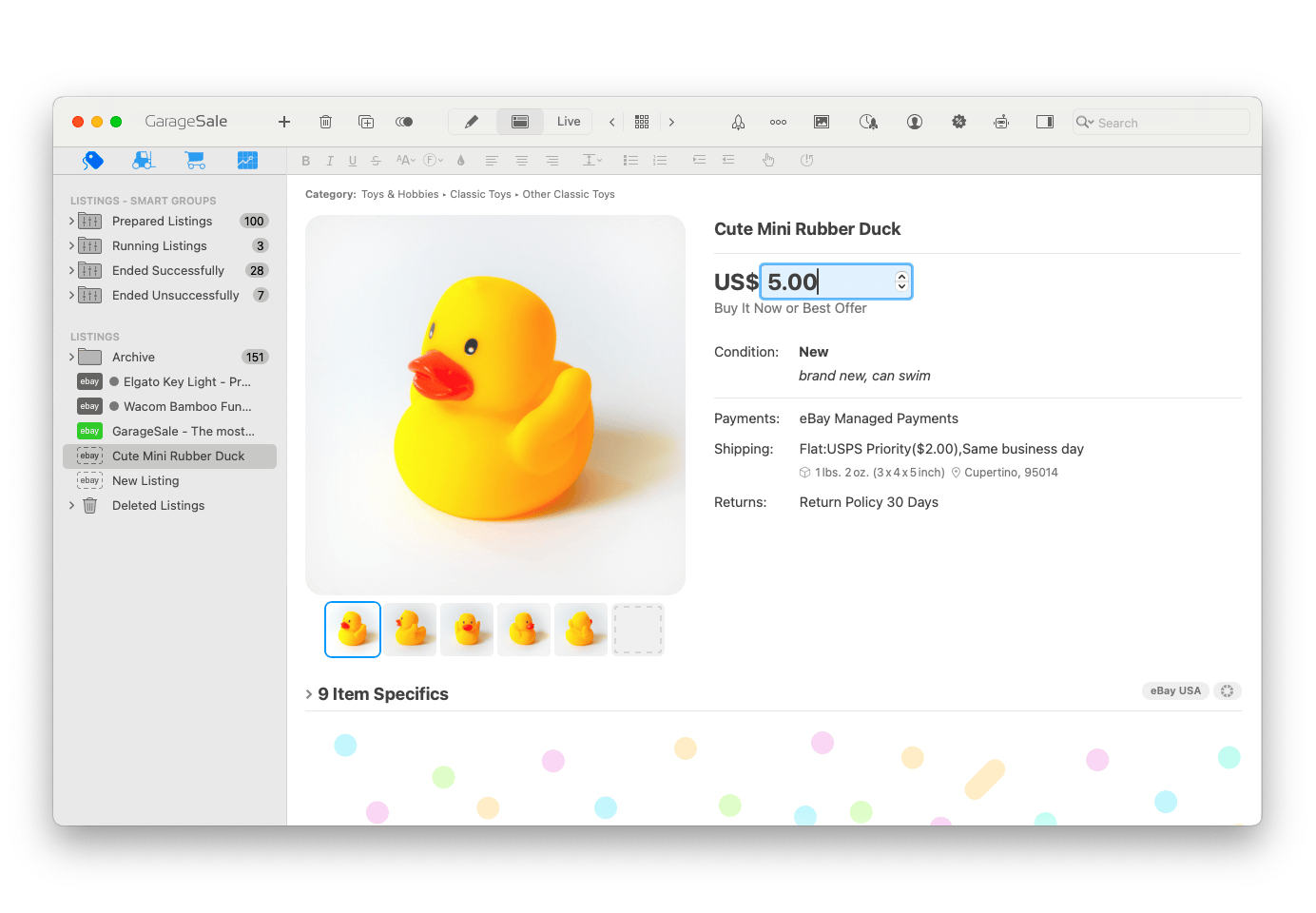
1. The Preview mode now better mimics the current eBay website, giving you a better idea of what your uploaded listing will look like.
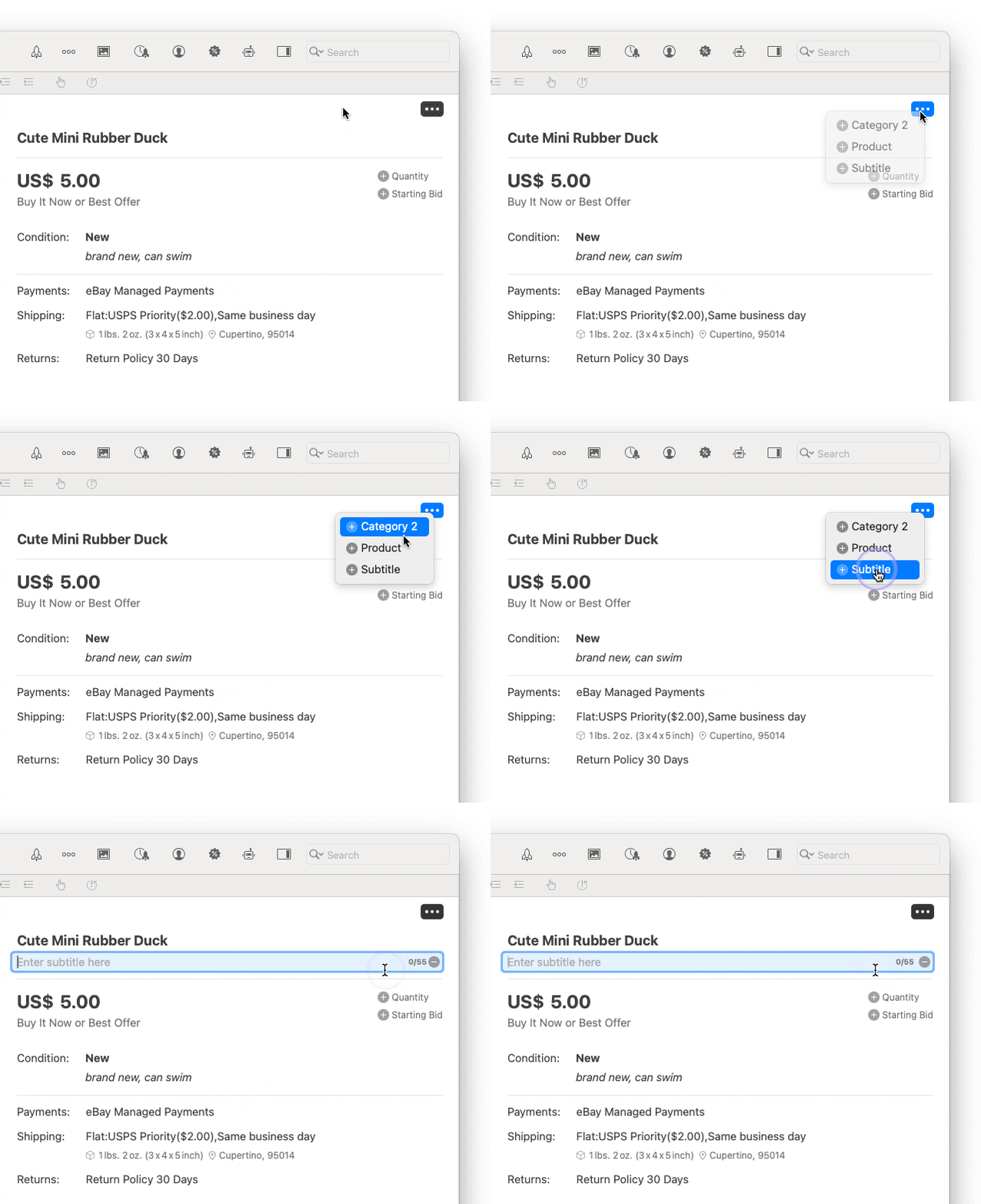
2. Use the new ... menu in the top right corner to easily add a secondary category, product information, or a subtitle.
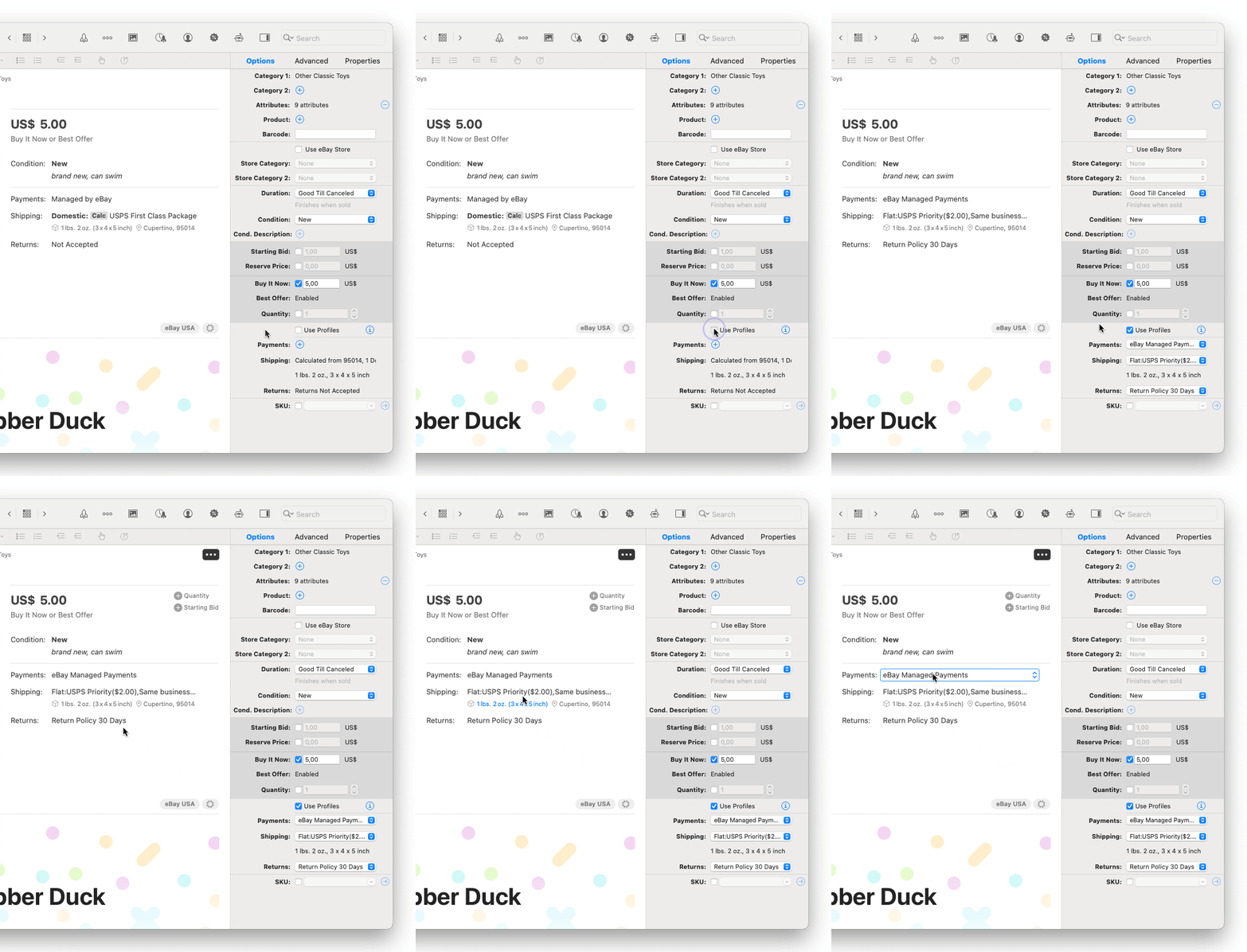
3. You can now select your profiles for payment, shipping, and returns directly from within the Preview. (The new “Use Profiles” checkbox in the Inspector has to be activated first.)
4. Improved image gallery: Now displays up to 24 images and offers a new “Quick Zoom” feature that lets you quickly inspect your photos.
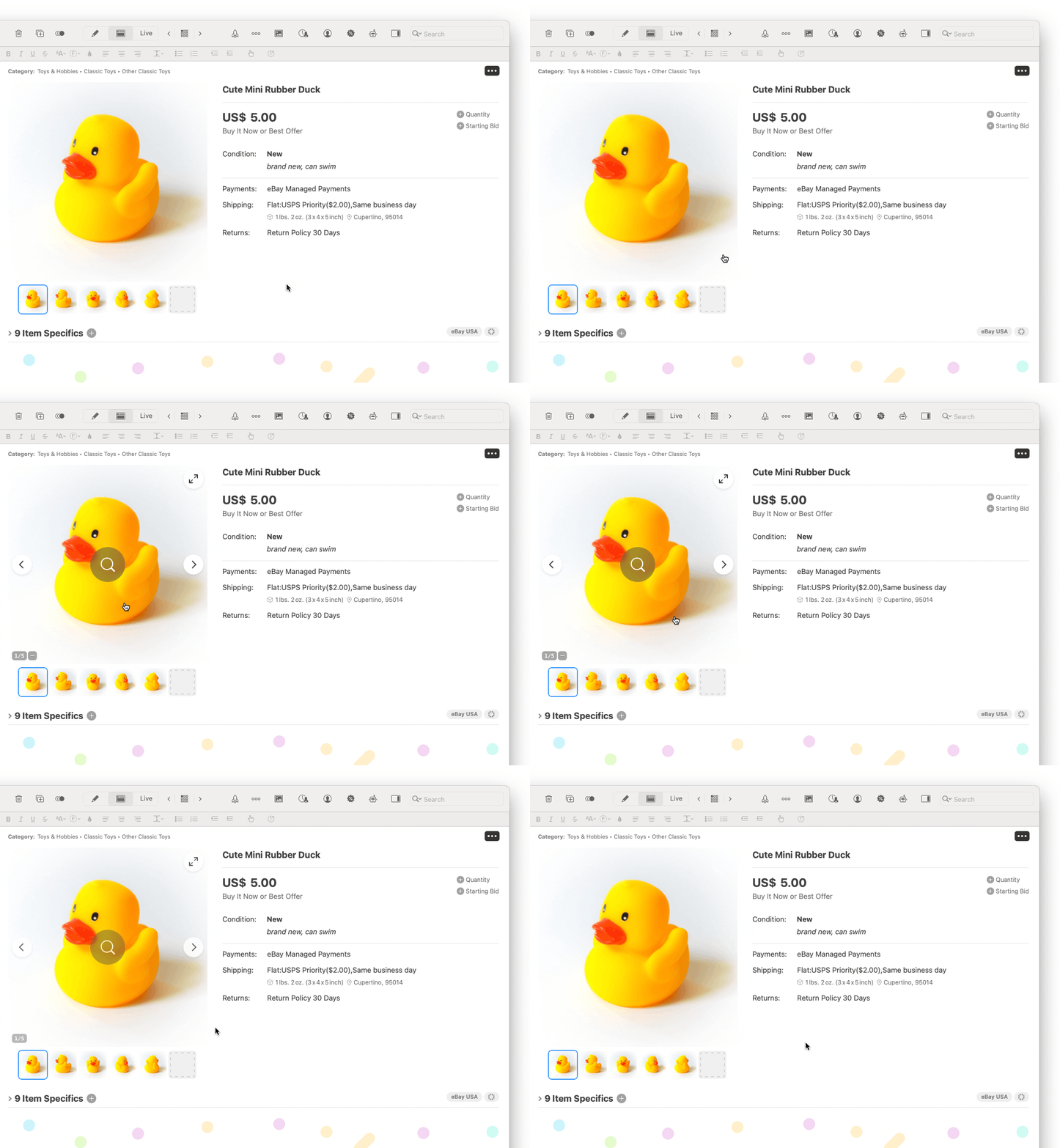
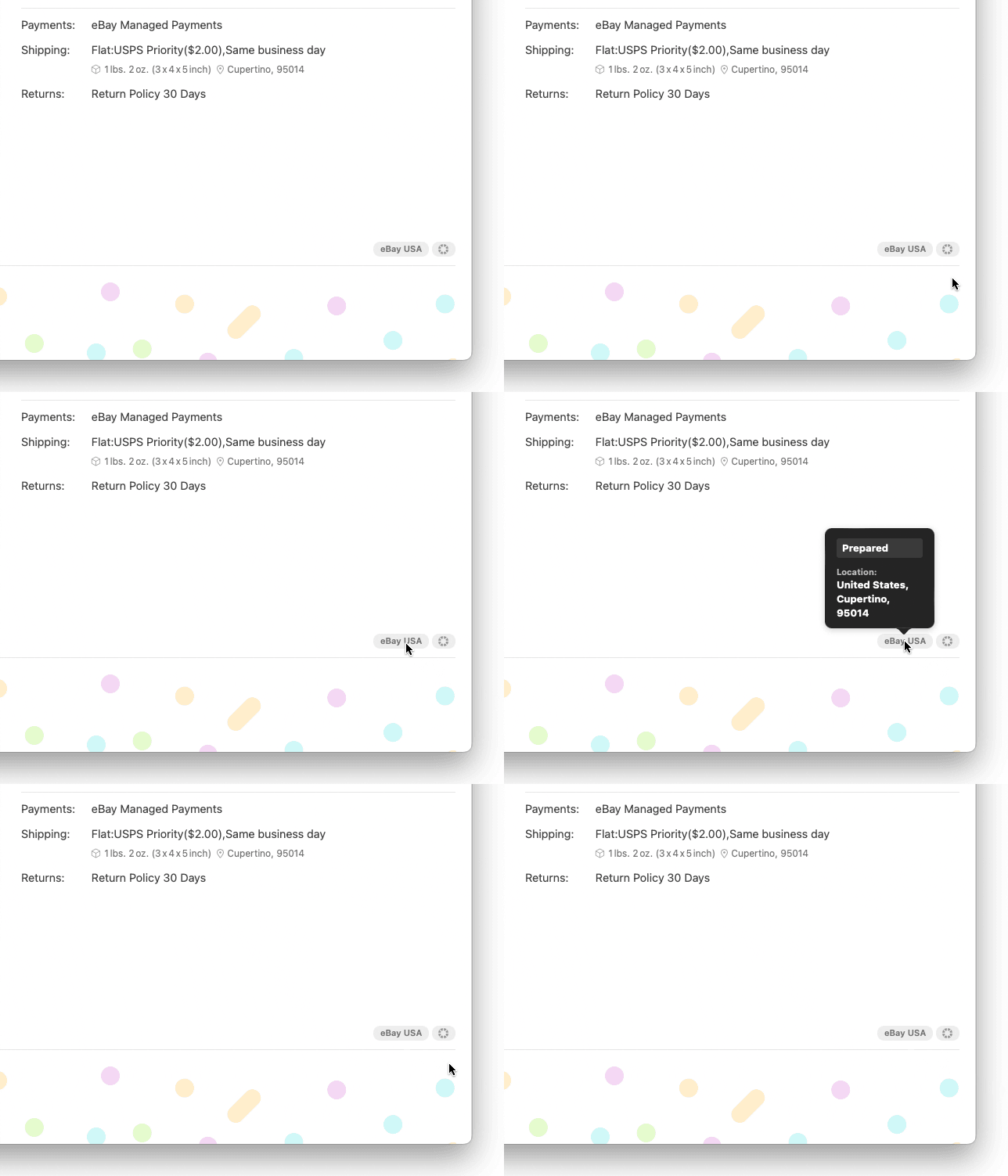
5. Other useful information, such as eBay site, item location, SKU, is displayed in tags at the bottom. Hover over them to reveal more details.
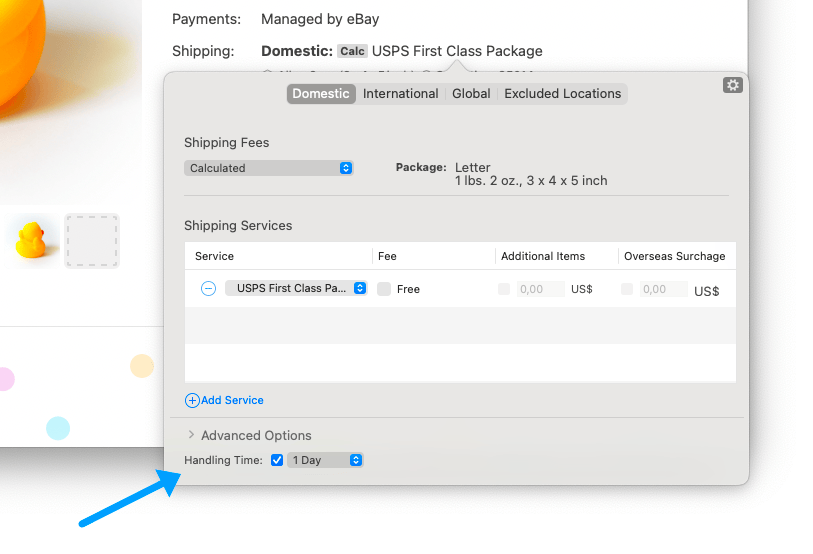
6. The “Handling Time” option is now available in the shipping options.
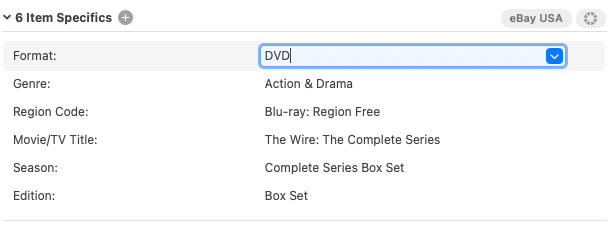
7. Item specifics can now be edited directly in the Preview Mode interface. Easily add, select, enter, or remove attributes.
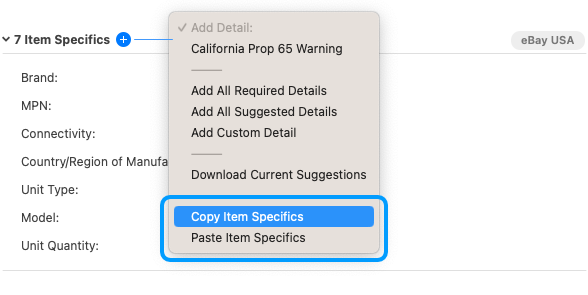
8. Use the Copy/Paste commands from the + menu to easily transfer item specifics from one to another listing.
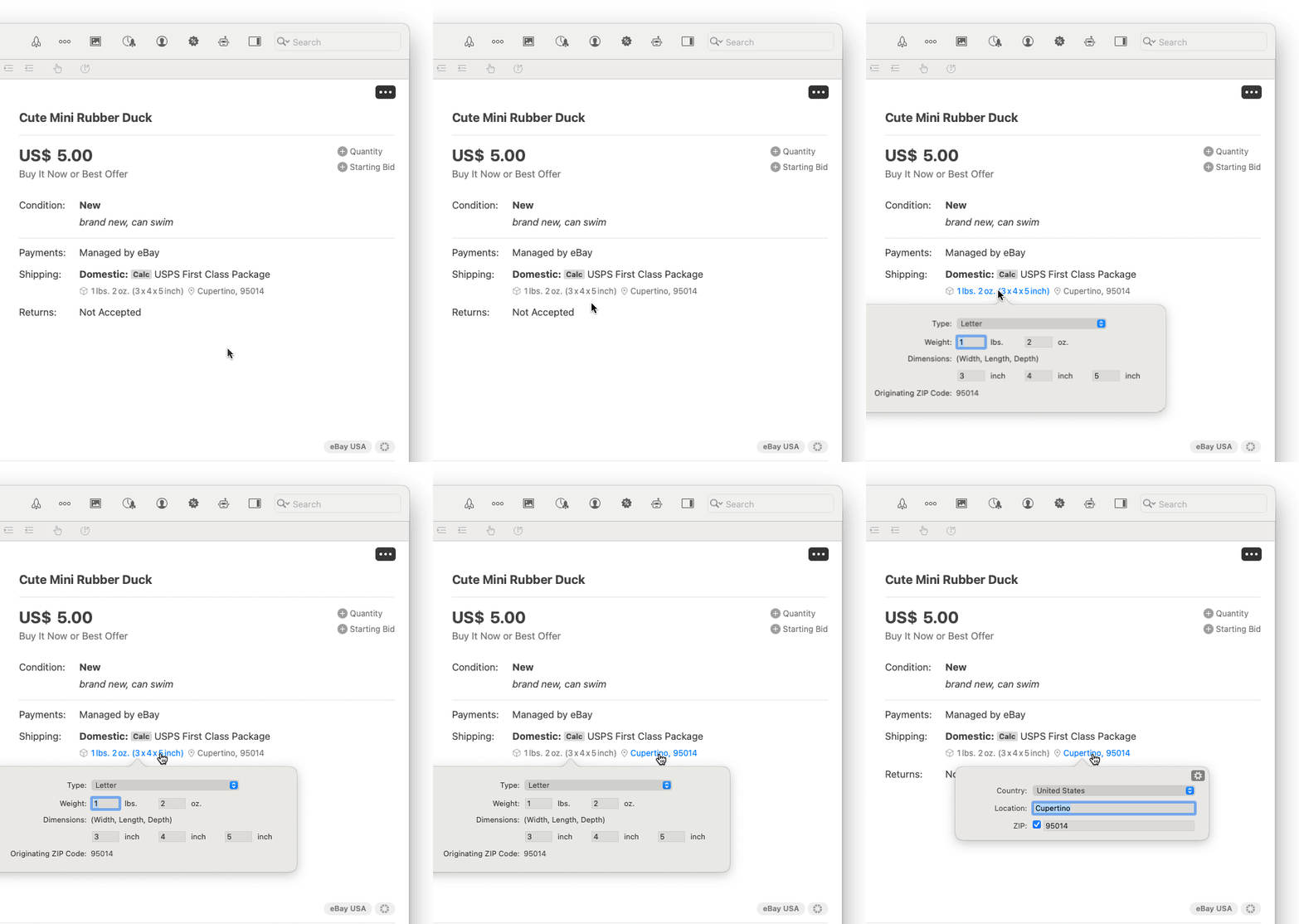
9. Package details and item location panels can be opened from within Preview.
| << Troubleshooting FTP Settings | Repairing Image Links >> |