GarageSale Pro
Here you can subscribe to “GarageSale Pro” or, if already subscribed, check your subscription status.
- About GarageSale Pro
- Activating GarageSale Pro
- Reactivating GarageSale Pro if already subscribed
- Changing the payment method
- Cancel at any time
- Switching from a license to a Pro subscription
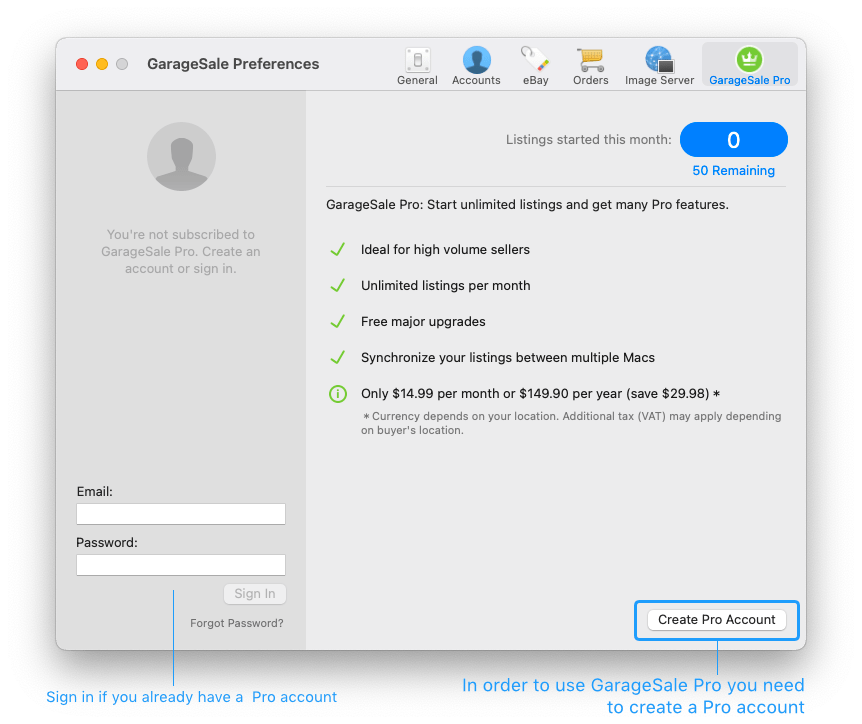
About GarageSale Pro
GarageSale Pro is a subscription service, especially created for professional sellers:
- Start unlimited listings each month (the 50 listings/month limit gets removed)
- Enable GarageSale’s Synching feature. The synching feature allows you to keep your items synched accross your Macs. Please see the Synching chapter for all details.
- Get all upgrades for free
- Use GarageSale image service even for fixed-price listings
- GarageSale’s image service supports up to 50 images per listing
- Get 100 AI images tokens each month for free. (These tokens are non-accumulating and will not roll-over to the next month/year.) You can purchase additional non-expiring images tokens for $10 in the AI Listing Generator window.
Activating GarageSale Pro
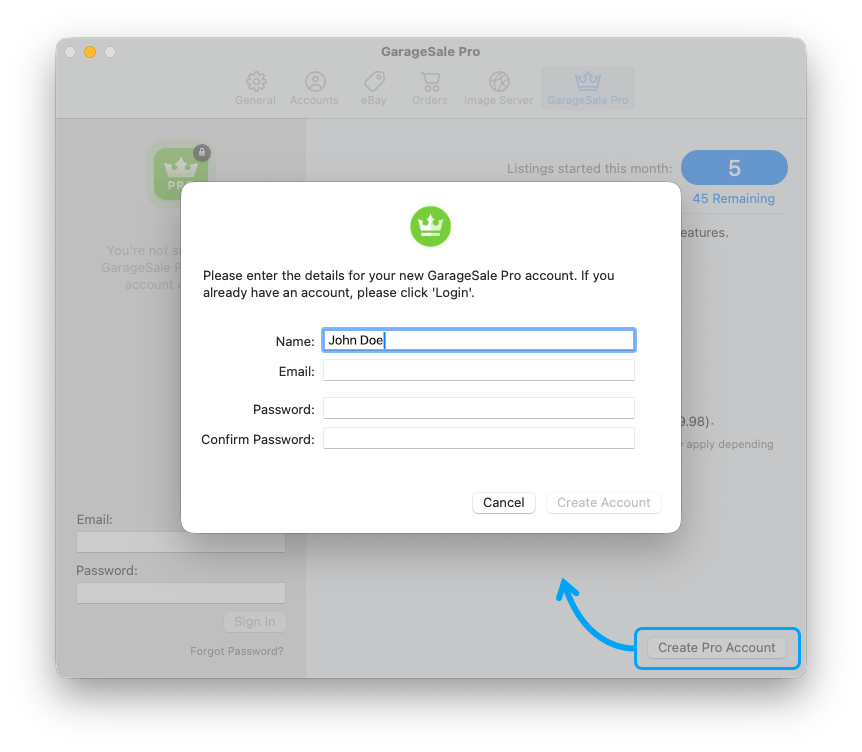
To activate GarageSale Pro you first you need to create a Pro account. Click on “Create Pro Account” and enter your email address and set a password. Write down that password.
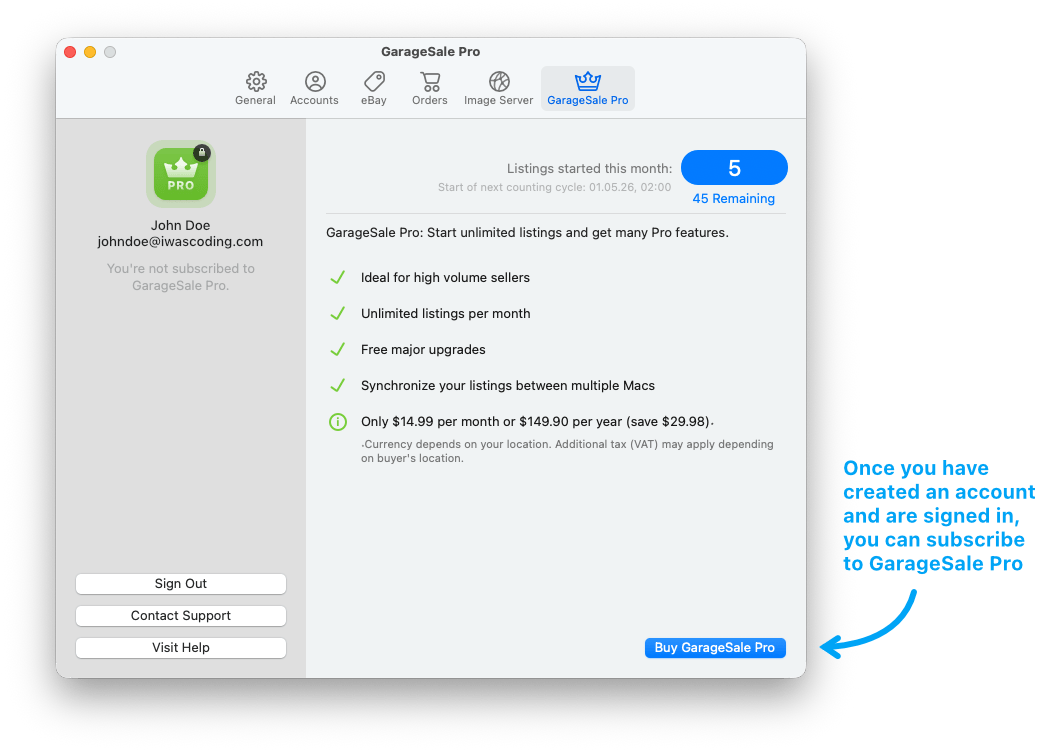
Once you’re signed-in with your Pro account, you can subscribe to GarageSale Pro:
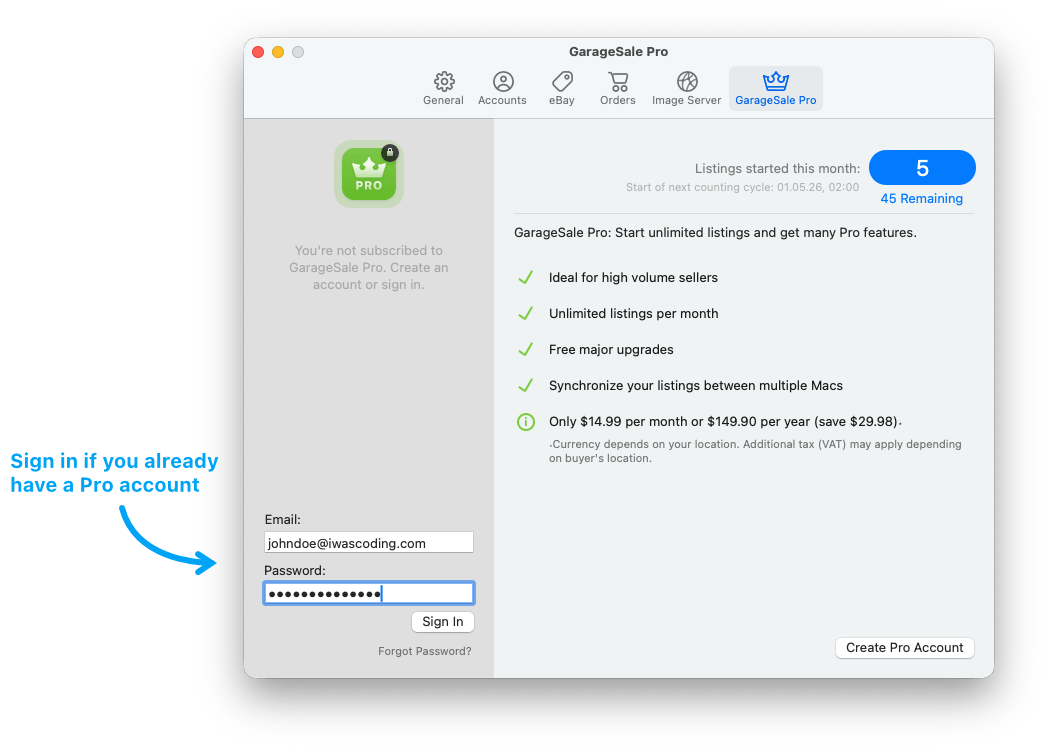
Reactivating GarageSale Pro if you already have a subscription
If you already have an active subscription just use the field “Email” and “Password” to sign-in with your Pro account details.
You can sign in with your Pro account on your other Macs as well.
Once signed-in your subscription status will be recognized automatically.
Forgot your password? Click “Forgot Password” or visit our Support website to contact our support.
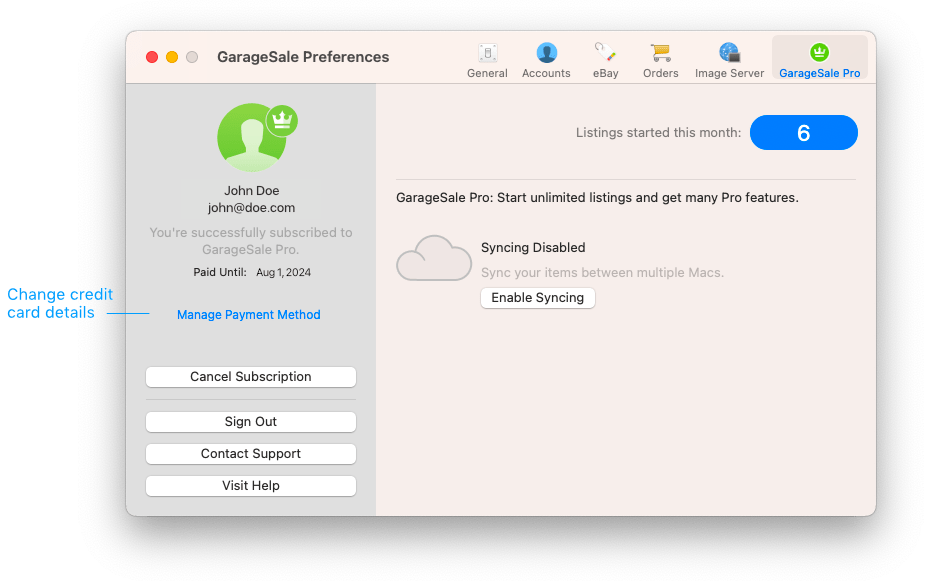
Changing the payment method
In case you want to check or edit your current payment method, e.g. change your credit card details, just click on “Manage Payment Method”.
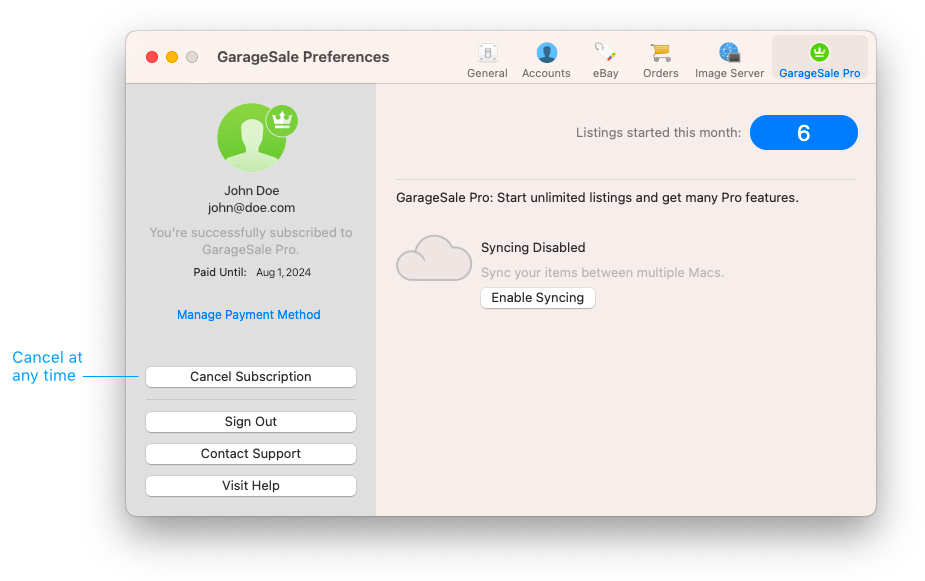
Cancel at any time
A GarageSale Pro subscription automatically renews unless it is cancelled before the end of the current period.
If you’re signed-in with your Pro account there’s a “Cancel Subscription” button on the left.
Once cancelled you can still use GarageSale Pro for the period you paid for.
Switching from a license to a Pro subscription
You can switch from a license to a Pro subscription at any time. Please see Activating GarageSale Pro above.
If you have purchased a full license for GarageSale for the first time, you also have received an additional mail with your personal coupon code for GarageSale Pro. This coupon code allows you to test the GarageSale Pro service for two months for free.
This is how to redeem the code:
- Open the GarageSale Settings > Pro
- Click on “Create Pro Account” if you haven’t created one yet.
- Make sure to be signed-in with your Pro account email and password.
- If you have a valid coupon code click on “Redeem Coupon”. If you don’t have a coupon you can subscribe immediately, of course.
Requirements for entering the coupon code:
- Make sure that your GarageSale license has already been entered. You can check it in the “About GarageSale” panel in the “GarageSale” menu.
- You must be signed-in with your Pro account in the GarageSale Settings > Pro.
- You can only redeem your coupon code if you haven’t subscribed yet. You can’t redeem your coupon code AFTER subscribing.
- The coupon code expires one year after the license is purchased.
If you have any questions, feel free to contact our support. We’re happy to help.
| << Image Server | Overview >> |