Account Overview

The Account Overview window can be opened through GarageSale’s “Window” menu or by clicking on the corresponding toolbar button. The window lists all your eBay accounts and offers an Overview and a Messages section.
Overview
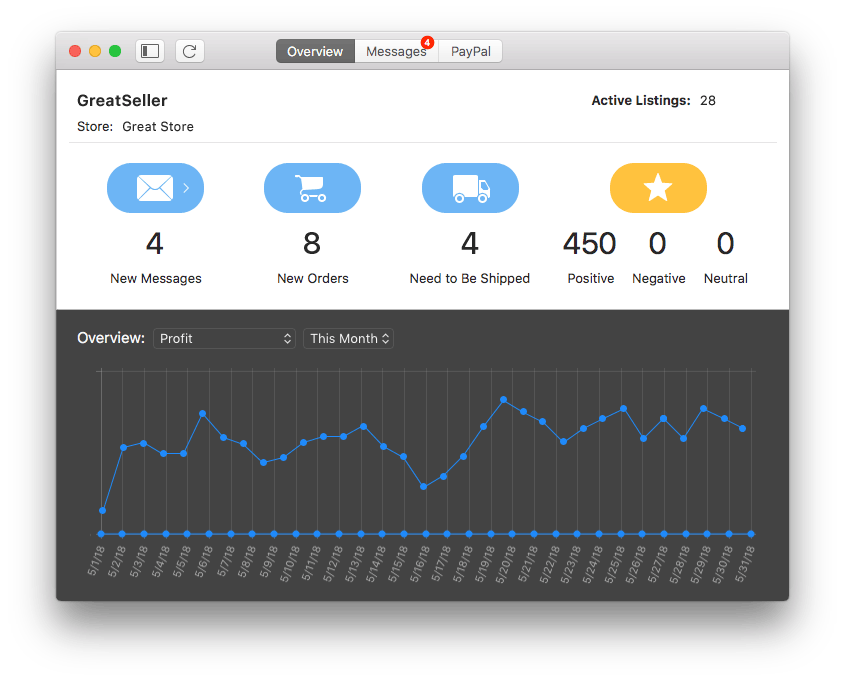
The Overview section provides you with all important account information at a glance, like new messages, new orders and number of items that need to be shipped.
Messages
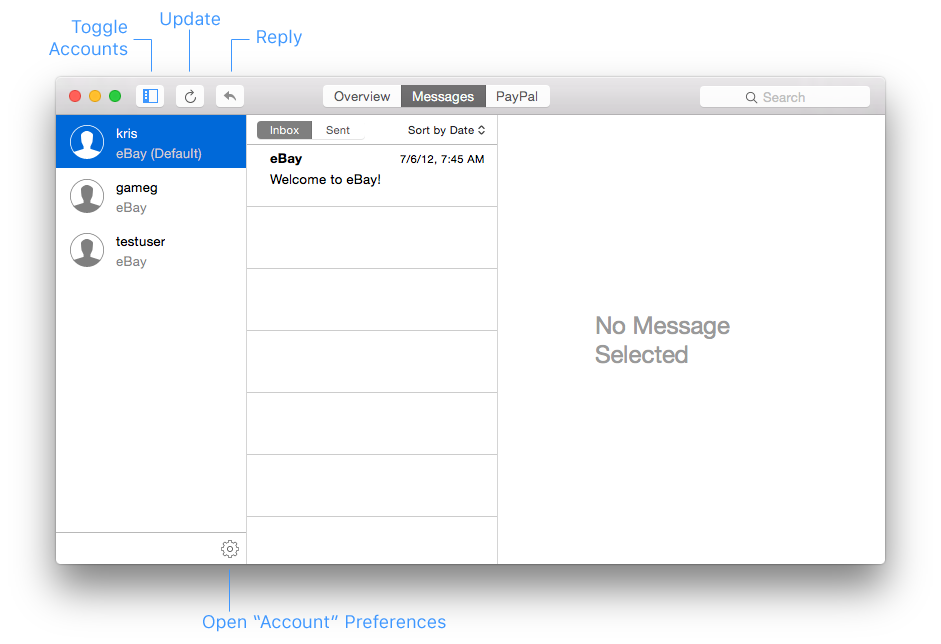
In the messages section all your mails from the eBay messaging system are stored. To reply to a customer question or to contact buyers, simply click on the “Reply” button in the toolbar.
You can view all sent messages by switching to the “Sent” section.
Mark as Flagged
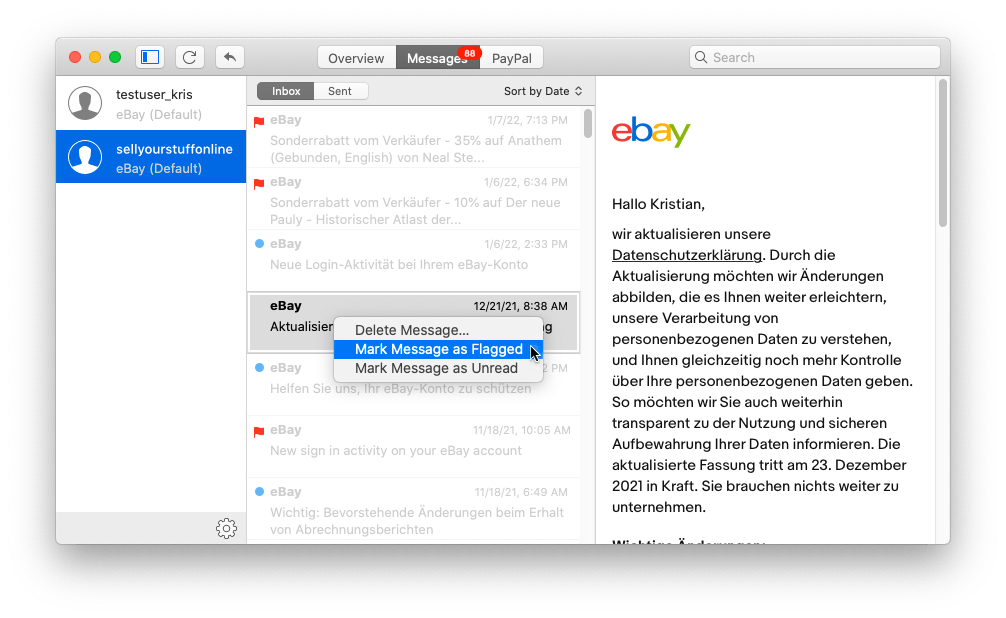
By right-clicking on a message you can mark it as flagged/unflagged and as read/unread. The state will be transmitted to (and from) eBay.
| << Icon Legend | Overview >> |