Scheduling Listings
Instead of starting a listing manually, you also can let GarageSale start your eBay listings at a set time in the future. This is particulary useful, if for whatever reason you cannot be around at the desired time.
GarageSale features three different scheduling options:
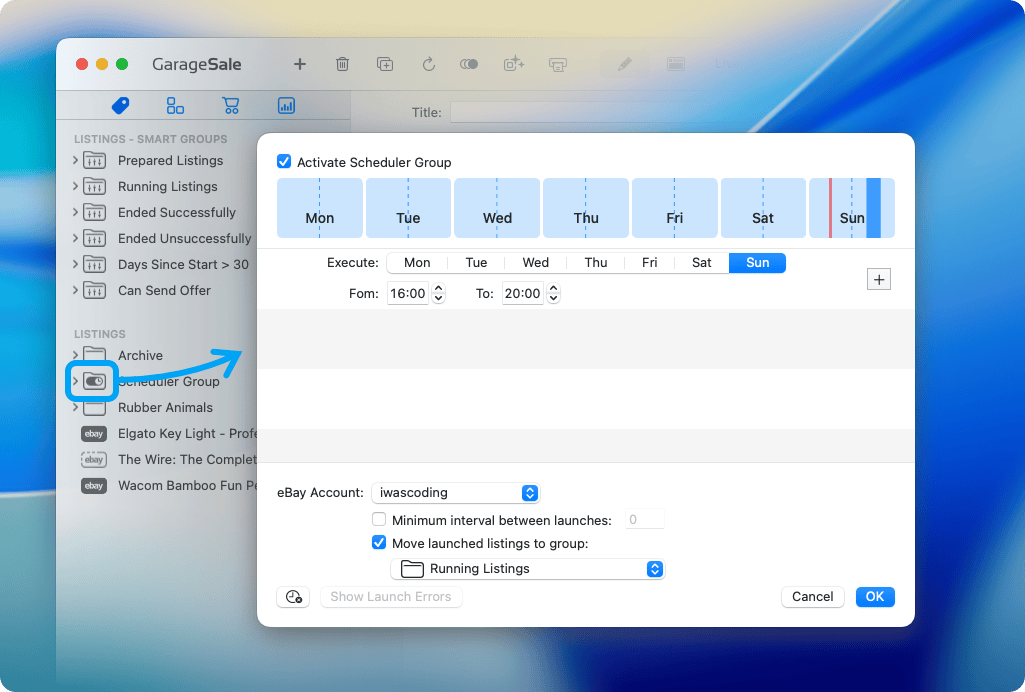
Scheduler Groups
You can turn any group in the left outline view to a so-called Scheduler Group. Scheduler Groups simplify timed, recurring listing starts. You just add a upload time range and the scheduler group will automatically start the containing listings at the set time range. Visit the Scheduler Group chapter for all details.
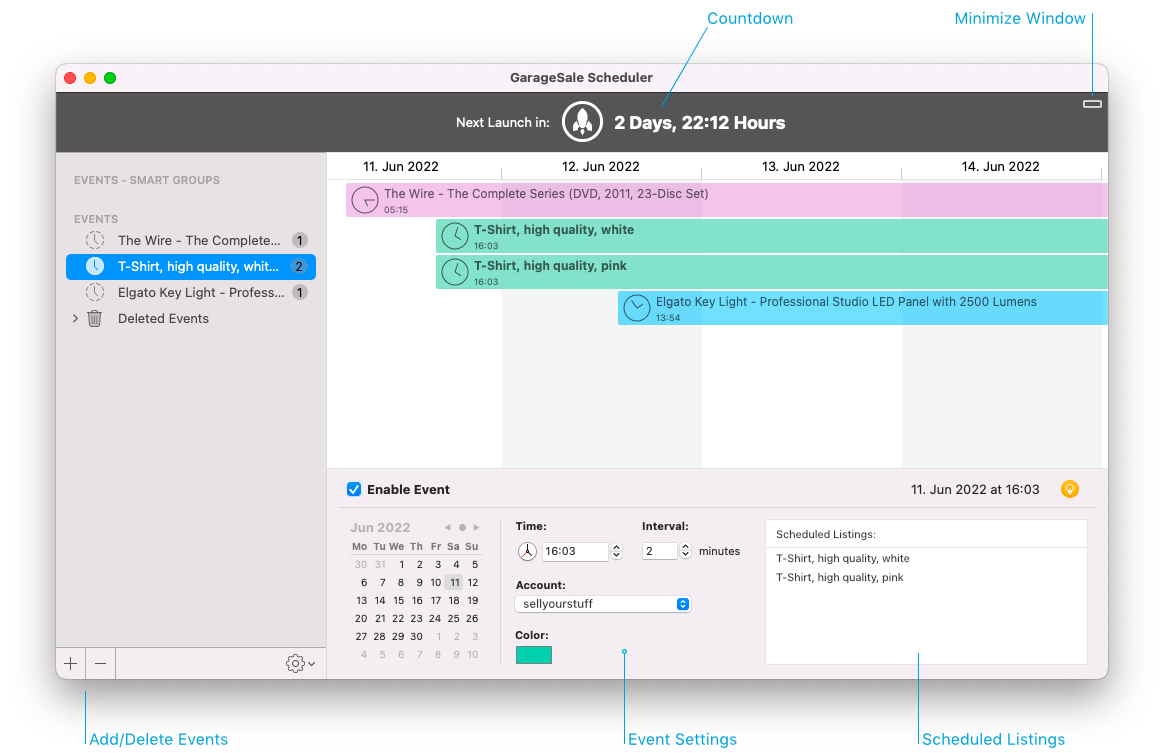
GarageSale’s built-in scheduler
GarageSale’s built-in scheduler provides a convenient way to start eBay listings at a certain date in the future by creating Scheduler Events. Unlike eBay’s scheduler, GarageSale’s scheduler is free of charge. However, GarageSale needs to be running and your Mac has to be connected to the Internet for your listings to start at the desired time. Visit the GarageSale Scheduler chapter for all details.
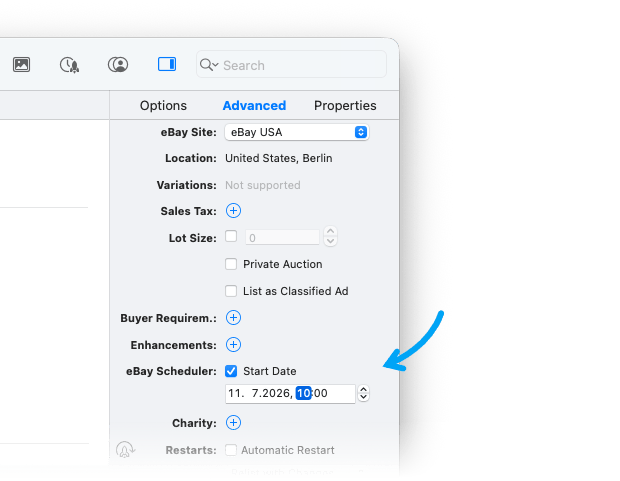
eBay Scheduler Option
To use eBay’s scheduler, simply enter the Start Date in the Inspector’s “Advanced” tab. Keep in mind though that eBay will charge you for this service.
Please note that you still need to start your listing in GarageSale to provide ebay with your listing data. eBay will “activate” your listing when the start date arrives. Neither your Mac nor GarageSale need to be running at this time.
| << Starting Listings | Tracking Listings >> |